🔑 License status and common questions
Activated but still shows "Free"?
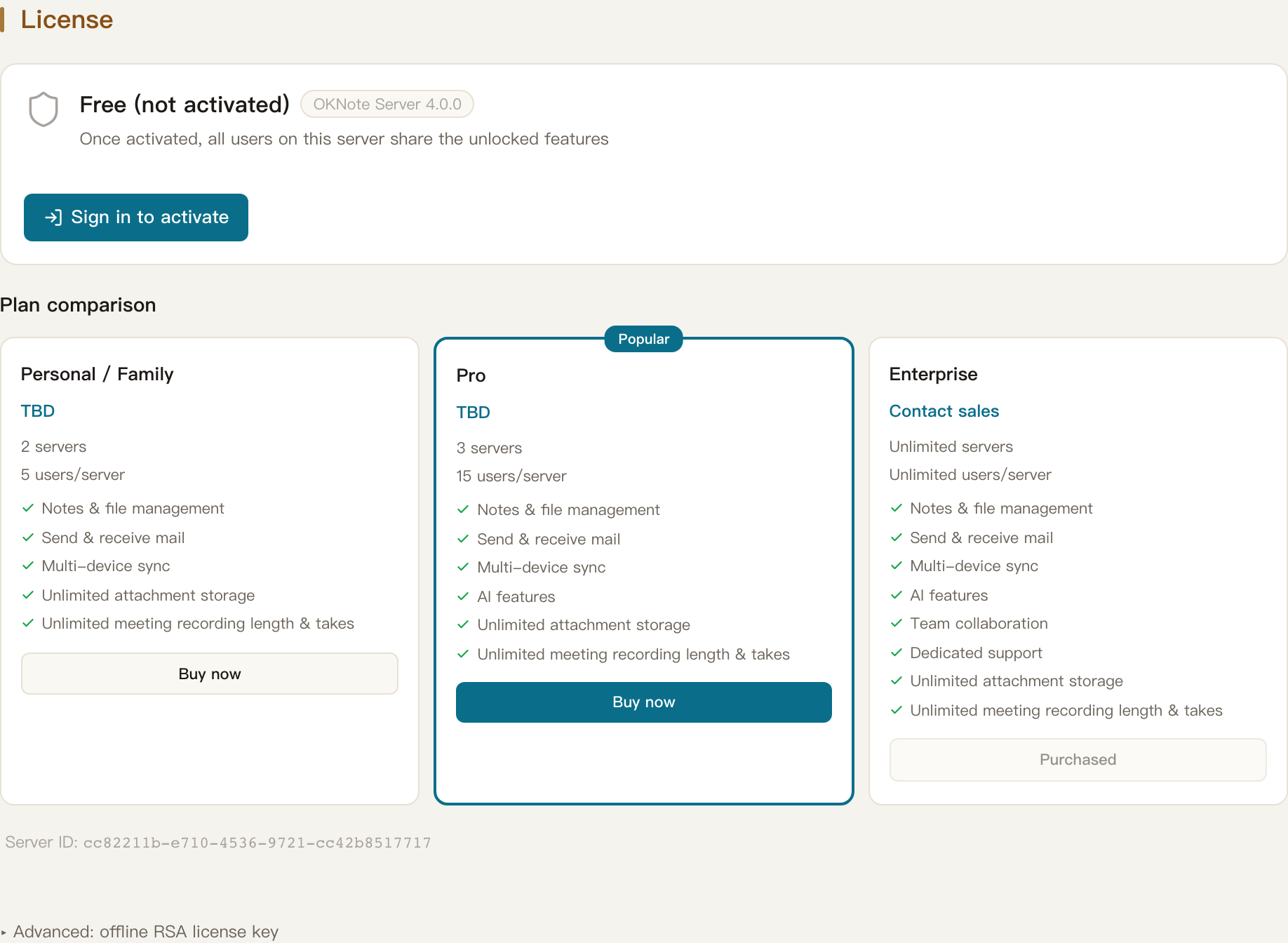
- Refresh once: click refresh on the License page, or close and reopen Settings.
- Automatic check: the server verifies your license with the central cloud on its first launch each day; if the network is down that time, it retries periodically until it succeeds that day. So the odd network hiccup is harmless — just wait a bit or refresh.
- If you're sure the plan is purchased but the plan name is wrong, check whether you signed in with the wrong account (a plan under a different phone/email).
FAQ
- Can I install the same plan on several NAS units? Yes, as long as you stay within the plan's activation limit (see the table). Over the limit? Unbind one first.
- Can I deactivate? Yes — click "Deactivate license" on the activated status card to release this machine's slot; it falls back to Free capabilities afterward.
- Does buying auto-activate? Purchasing/upgrading directly in the app auto-refreshes this machine's license, so you usually don't need to activate again. Website purchases are activated once via step 2.
Account & Data · Troubleshooting
License, backup and migration
Settings → License: check server activation, licensing account and plan; activation does not change the data server. Export a backup in Settings → Data export before importing on a target device. Verify notes, attachments and reports. Preserve original data and encryption keys before restoration; do not delete an unreadable database. Administrator password recovery requires a previously linked recovery account.