
✅ Report view: AI writes your weekly and monthly reports
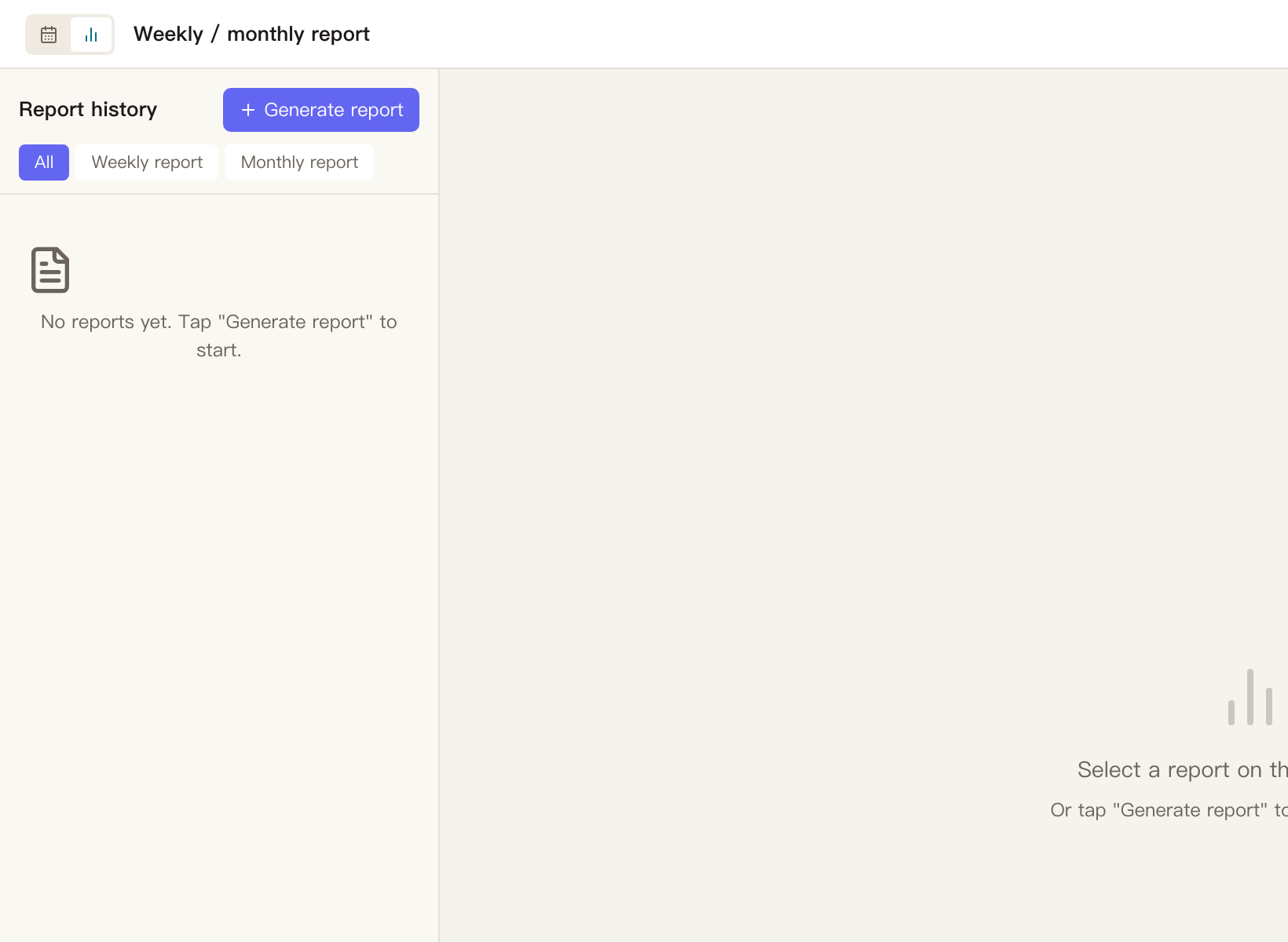
This is the module's signature feature: based on what you did and didn't finish over a period, the AI generates a ready-to-send weekly or monthly report.
Prerequisite: AI is configured (see "🤖 AI Setup Guide" — this uses the "Notes / Report AI" slot).
Generate a weekly report
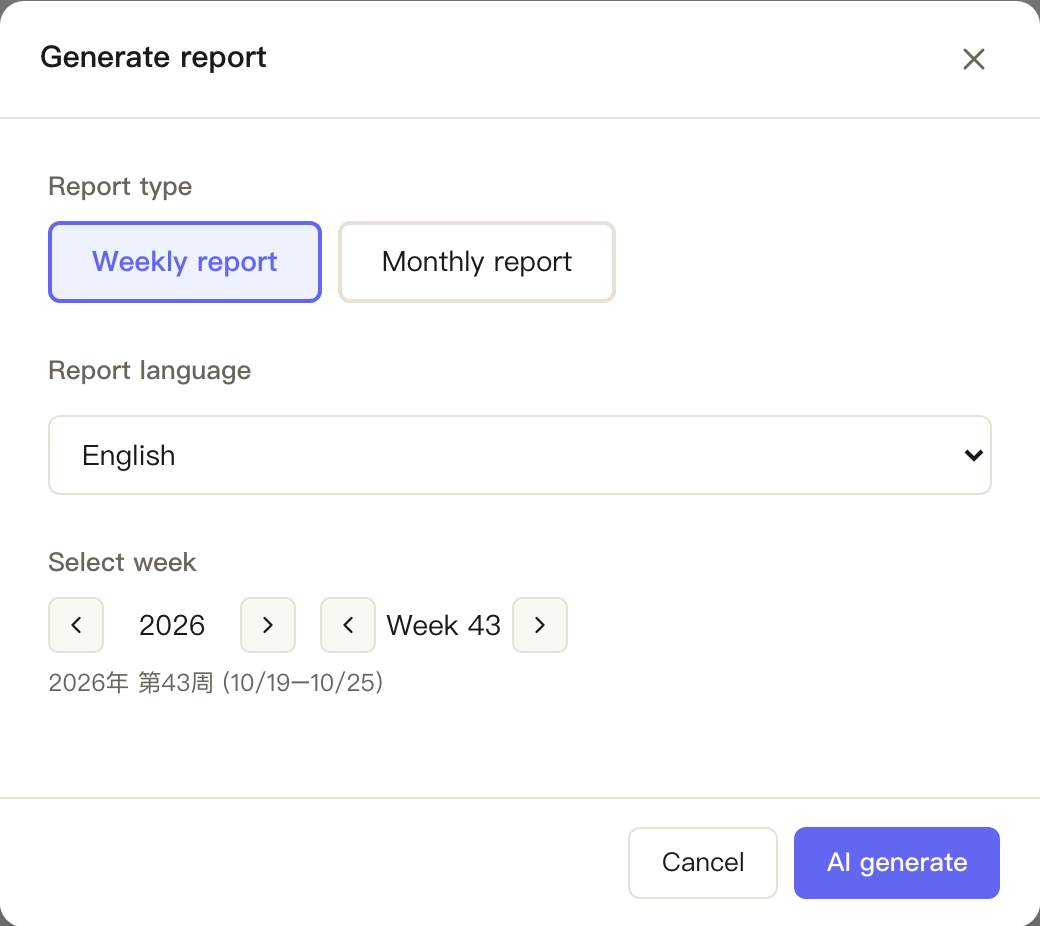
- Switch to the "Report" view and click "Generate report" at the top left.
- Choose the report type (Weekly report / Monthly report) and the specific week or month.
- Click "AI generate". The AI collects every task across all your to-do lists that falls within the period — finished or not — and distills it into a structured report: what got done this week, what's still in progress, and what got in the way.
- Preview first, then save if you're happy. If a report already exists for the period, a side-by-side comparison lets you choose which one to keep.
Generated reports are archived by year in the timeline on the left of the Report view, where you can edit, regenerate, or delete them anytime.
Match your team's format
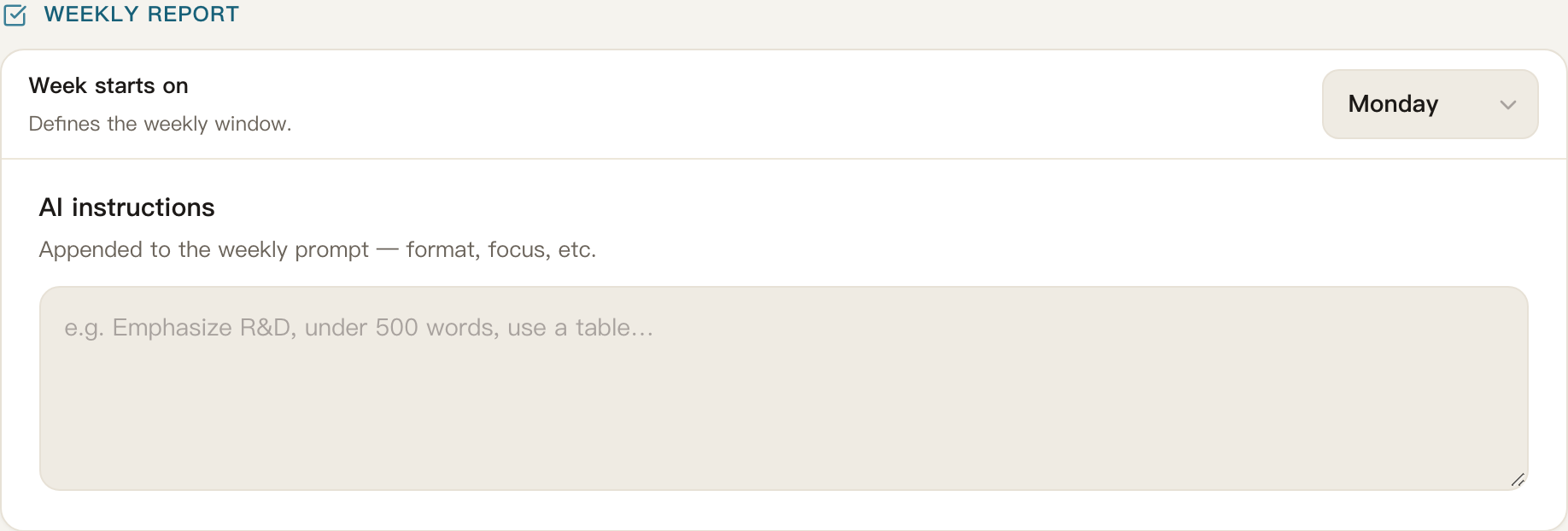
Head to Settings (⌘,) → Tasks for a few very practical options:
| Setting | What it does |
|---|---|
| Week starts on | Whether weekly reports count from Monday or Sunday |
| Period | Natural month (the 1st to month-end), or a custom period (e.g. the 26th through the 25th of the next month — matching many companies' review cycles) |
| AI instructions | An extra instruction for each report type, e.g. "Output as a table with three columns — done this week / planned next week / risks — under 300 words" |
Once your AI instructions are in place, every report follows your format — configure once, benefit forever.
Note: reports are generated on demand (there's no scheduled run). Make clicking "Generate report" a Friday-afternoon habit.