Mail · Troubleshooting
Receiving or sending fails
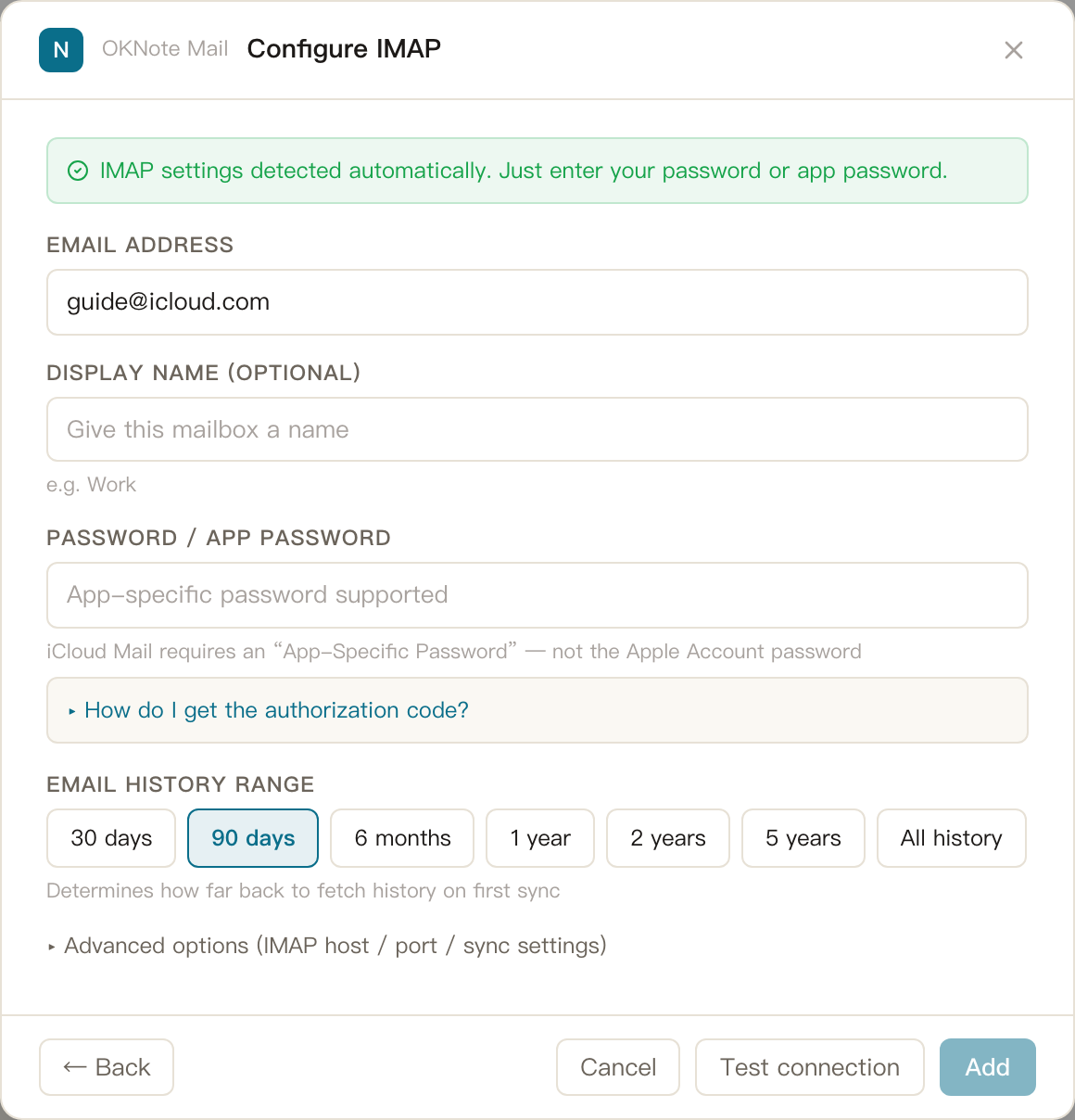
Add an account from Mail → + next to My accounts; configure existing accounts in Settings → Mail → Account sync. Check IMAP/POP3 availability, username and application password, then test receiving. For send-only failures, verify SMTP host, port, TLS and sender identity separately; send yourself a test message. Regenerate revoked application passwords with your provider. Check history range and sync progress before adding the account again. The server must reach your mail provider.