🎙️ AI minutes and meeting sharing
AI summary: automatically organized into a structured recap
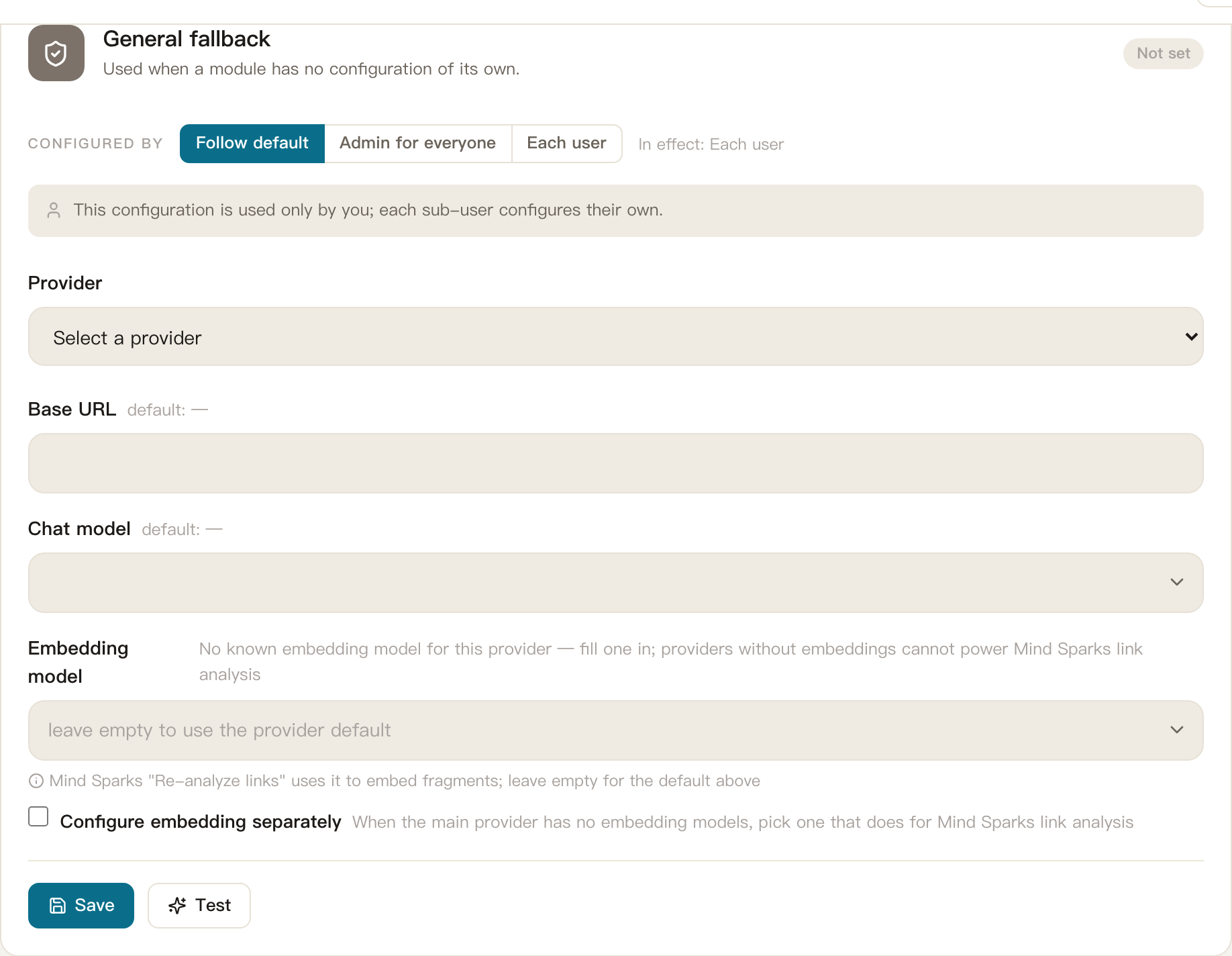
Right after transcription finishes, AI generates an "AI summary" — title, abstract, decisions, action items, attendees, and more, shown in a card on the right. This step uses a "meeting analysis model", configurable in Settings → AI → Meeting Minutes AI:
- Follow global config (default): meeting minutes reuse the same AI configuration as notes and chat, so there's no key to enter twice.
- Set independently: configure a separate conversational model just for meeting minutes.
If transcription succeeds but the summary fails to generate, the transcript is kept and a "Regenerate summary" button appears on the card — it only reruns the summary step, not the transcription, saving both time and credits.
Once transcription finishes, if you haven't renamed the note yet (it's still the default "Meeting N"), AI replaces the title with the topic it summarized; if you've already renamed it yourself, the AI-generated title gets appended after your title instead of overwriting it.
Sharing meeting minutes

Just like a regular note, click the share button in the top toolbar to generate a public link (read-only, with an optional password and expiry). Whoever opens it can see: the player for each recorded segment, the full transcript (color-coded by speaker), the AI summary, and any notes you've added yourself. Recording files tend to be large, so the shared page's player shows audio loading progress, so viewers aren't left wondering whether it's still downloading.