
👋 Shortcuts worth memorizing
Shortcuts worth memorizing
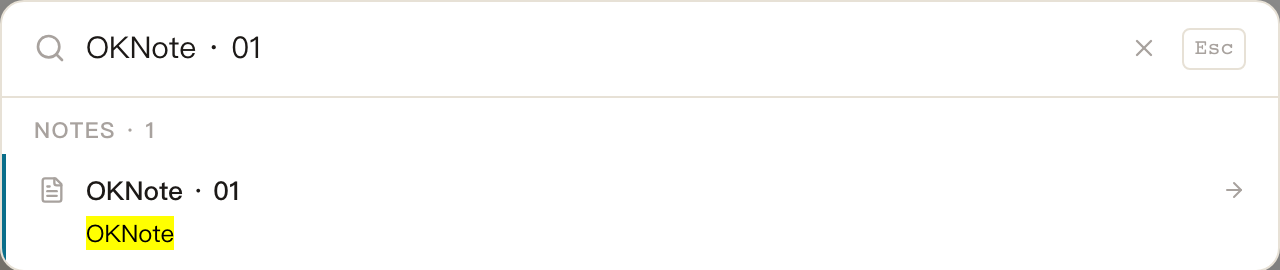
- ⌘K — Global search. Press it anywhere to search full note text and attachment filenames. This is the single most-used key in OKNote.
- ⌘, — Open Settings. Everything for Mail, AI, and Tasks is configured here.
- ⌘. — Focus mode: hides both side panels, leaving just your writing. Press it again or hit Esc to exit.
- ⌘⇧1 ~ 4 — Jump between the four modules; ⌘[ and ⌘] cycle through them in order.