🤖 AI questions and troubleshooting
FAQ
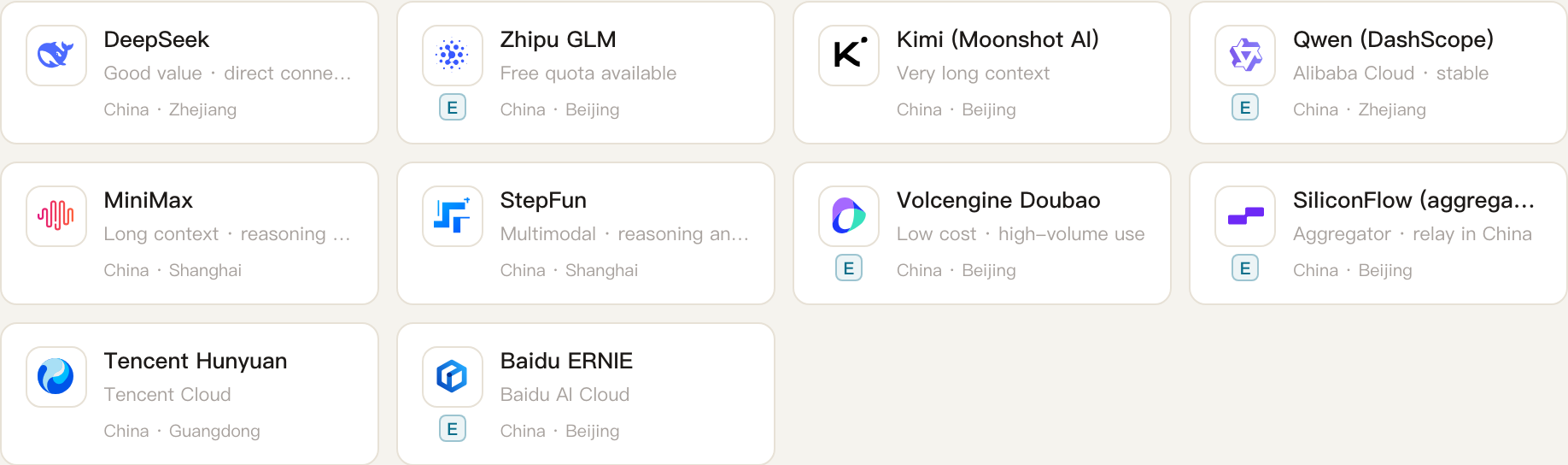
- An AI feature says it's "not configured"? Go back to Settings → AI Configuration, complete the setup, and make sure the test passes. If Per-module config is on, confirm the relevant module (Notes or Mail) has its own configuration too.
- Connection test failing? Check, in order: the key was copied in full, the provider account has credit, and your server's network can reach the provider's API endpoint.
- Want to switch models? Change the model name in settings and save — it takes effect immediately.
AI Configuration · Troubleshooting
Verify configuration in the actual feature
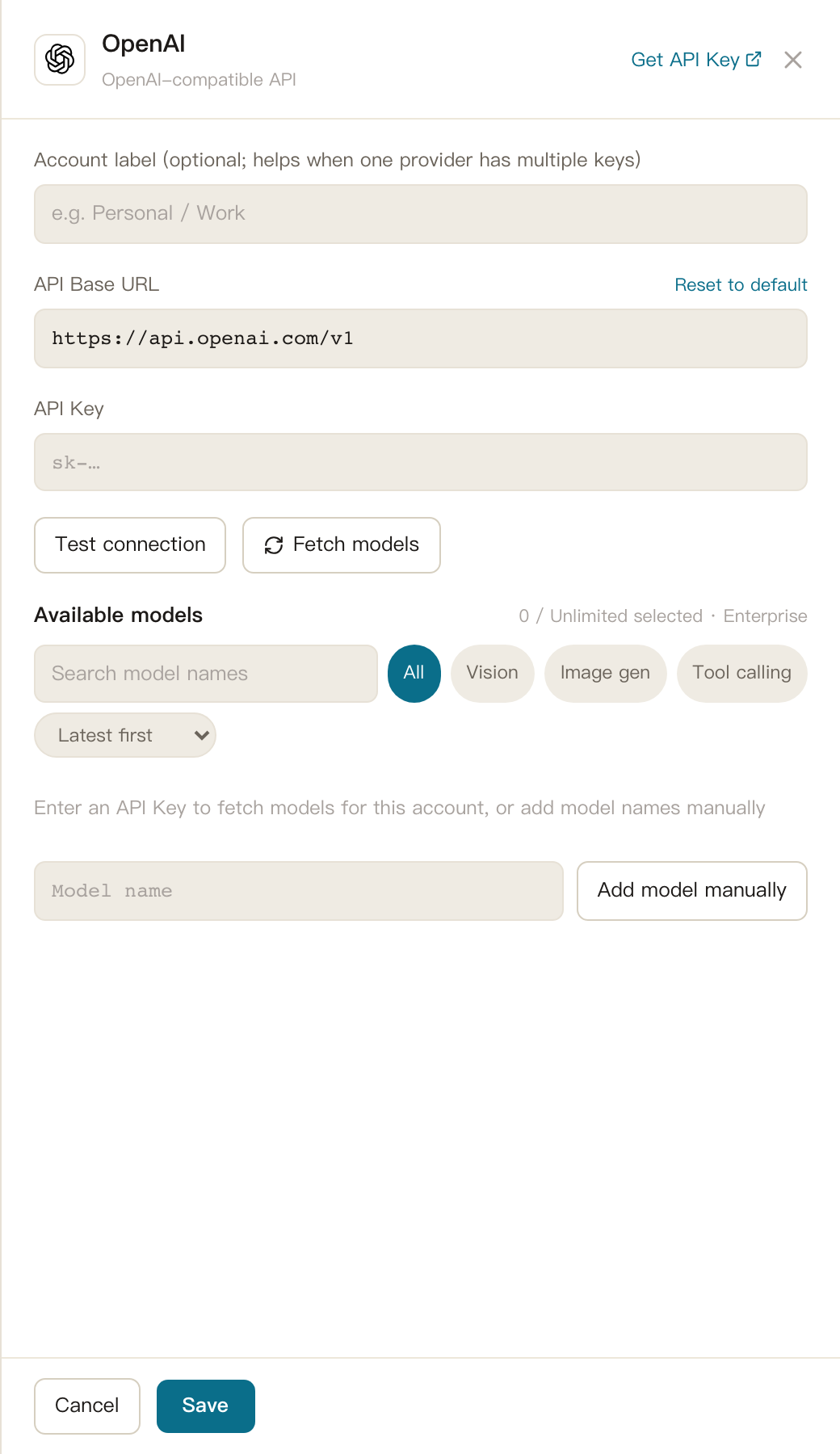
Settings → AI: configure the provider account key, endpoint and model, test and save, then run a small request in the feature. Shared versus personal policies determine who can edit settings; contact the administrator for read-only configurations. For 401/403 check credentials and permission; for 429 check quota/rate limits; for timeouts check server network and endpoint. Test meeting ASR separately. Check MindSparks model/embedding settings where applicable.