👋 Welcome to OKNote
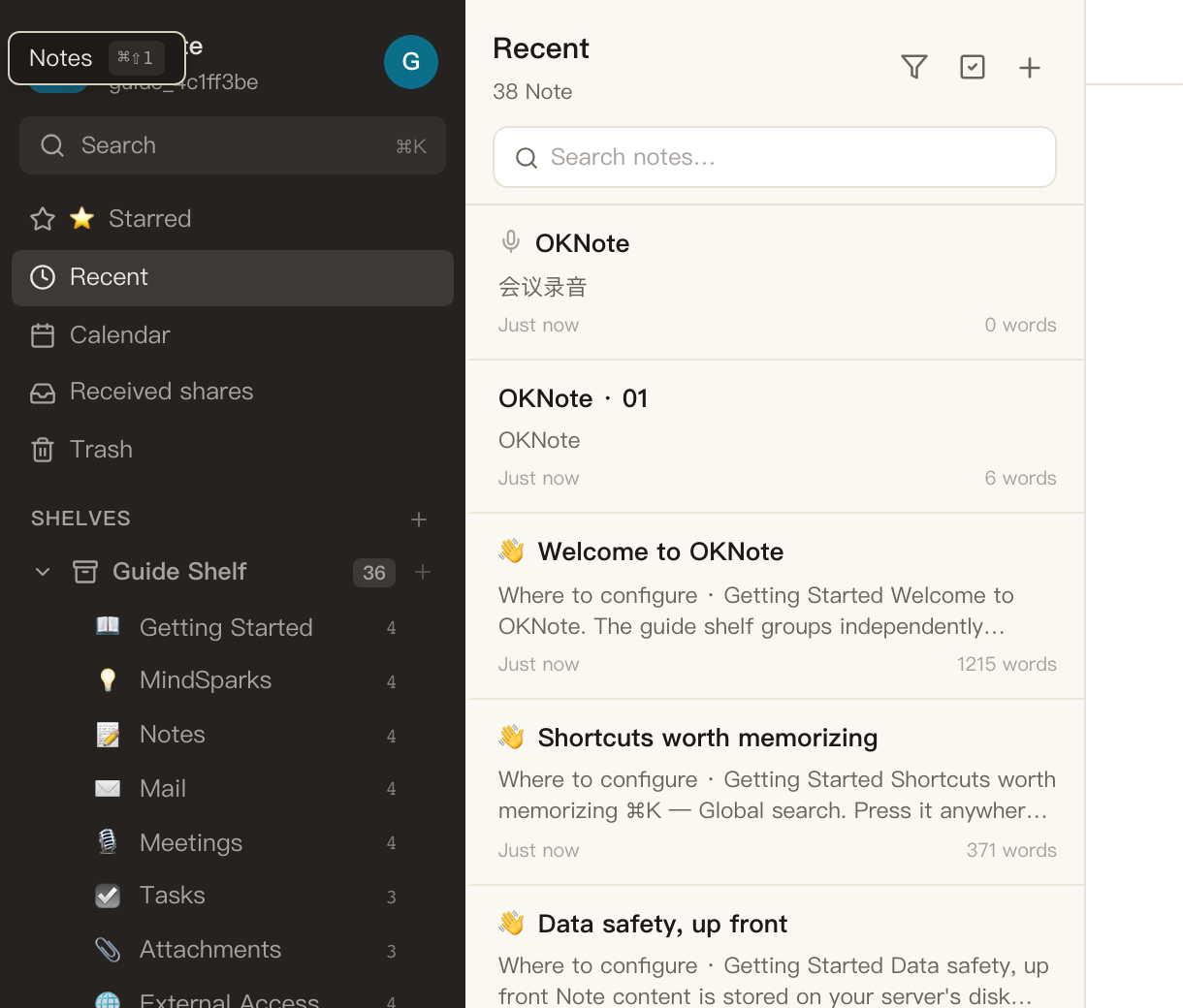
Welcome to OKNote. The guide shelf groups independently editable notes by feature. Choose a folder, then follow the steps alongside real screenshots from the desktop Web interface. Screenshots use demonstration data.
- 📖 Getting Started
- 💡 MindSparks
- 📝 Notes
- 🎙️ Meetings
- ☑️ Tasks
- 📎 Attachments
- 🌐 External Access
- 🤖 AI Configuration
- 🔑 Account & Data
Desktop Web, desktop apps and phones have different layouts. On a phone, open the module from the bottom navigation and then its menu or Settings. System audio and floating windows depend on the client. Interface languages without a translated guide retain the existing English fallback.
A quick tour of the interface
The vertical column of icons on the far left is the module rail. Top to bottom, these are the four modules:
| Icon | Module | Shortcut | What it does |
|---|---|---|---|
| 📄 | Notes | ⌘⇧1 | Writing, capturing ideas, mind maps, sharing and collaboration |
| ✉️ | ⌘⇧2 | Multi-account email plus AI summary and AI draft replies | |
| ☑️ | Tasks | ⌘⇧3 | To-do lists, calendar planning, AI weekly and monthly reports |
| 📎 | Attachment Center | ⌘⇧4 | Every attachment from your notes and mail, managed in one place |
On your phone, the same four modules live in the tab bar at the bottom of the screen — the features are identical.
Inside the Notes module you get the classic three-pane layout: sidebar (the tree of shelves and notebooks) → note list (notes in the current notebook) → editor (the note itself).