
📎 Jumping back to the source
Jumping back to the source
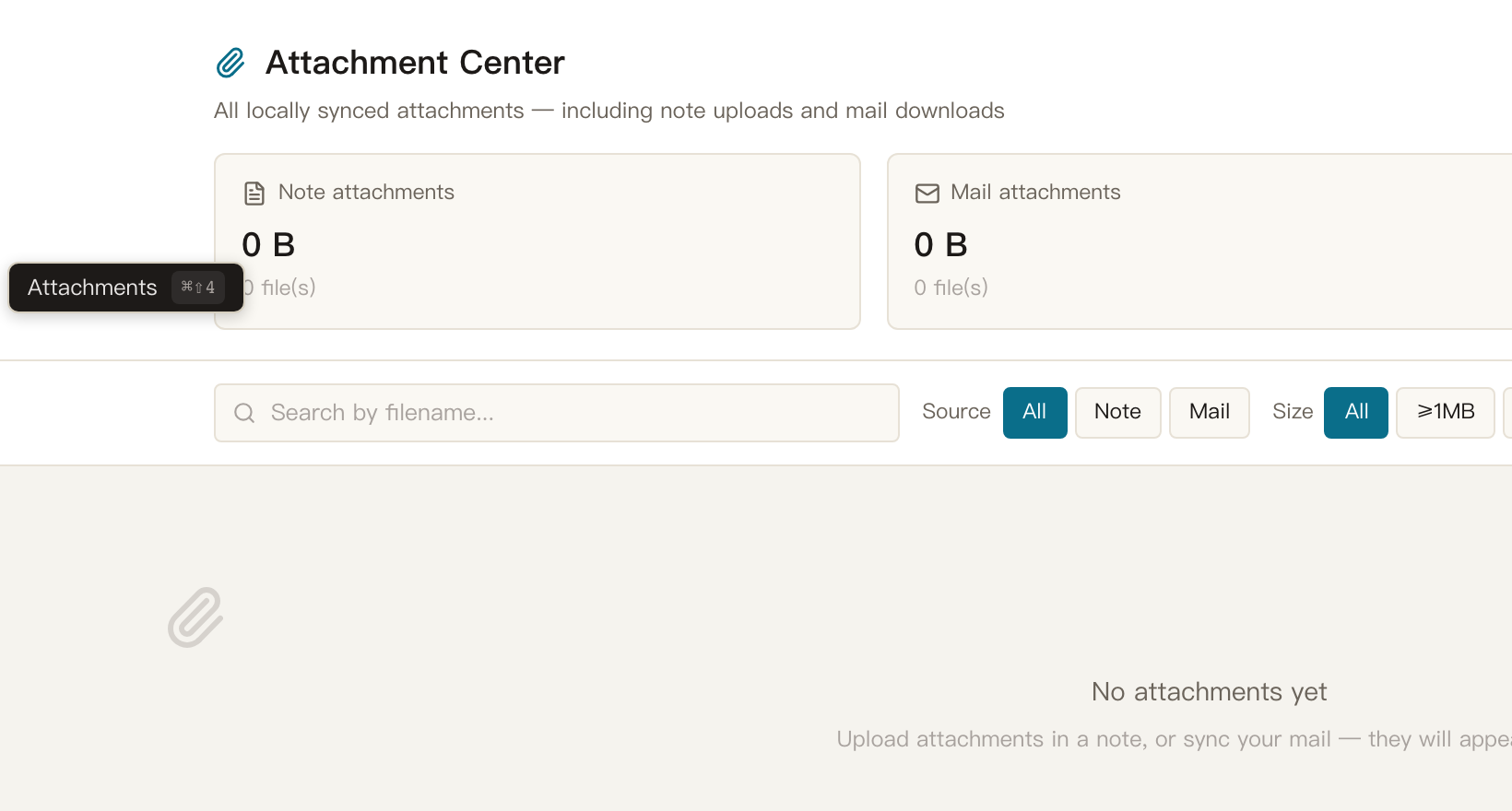
Click any row and OKNote takes you straight to the note or email the attachment lives in — previewing, downloading, and deleting all happen at the source.
Once you've jumped, a "Back to Attachment Center" button appears at the top of the page. Click it to come back and keep browsing, with your filters exactly as you left them.
Two practical scenarios
Scenario one: slimming down your disk. Set source to "Mail", size to "≥100MB", sort by size descending — the space hogs surface in seconds, and you can jump into each email to deal with them.
Scenario two: you remember the filename but not where you put it. Searching in the Attachment Center is more focused than global search; or press ⌘K — global search matches attachment filenames too.