
📝 Importing notes and troubleshooting
Bringing your old notes in
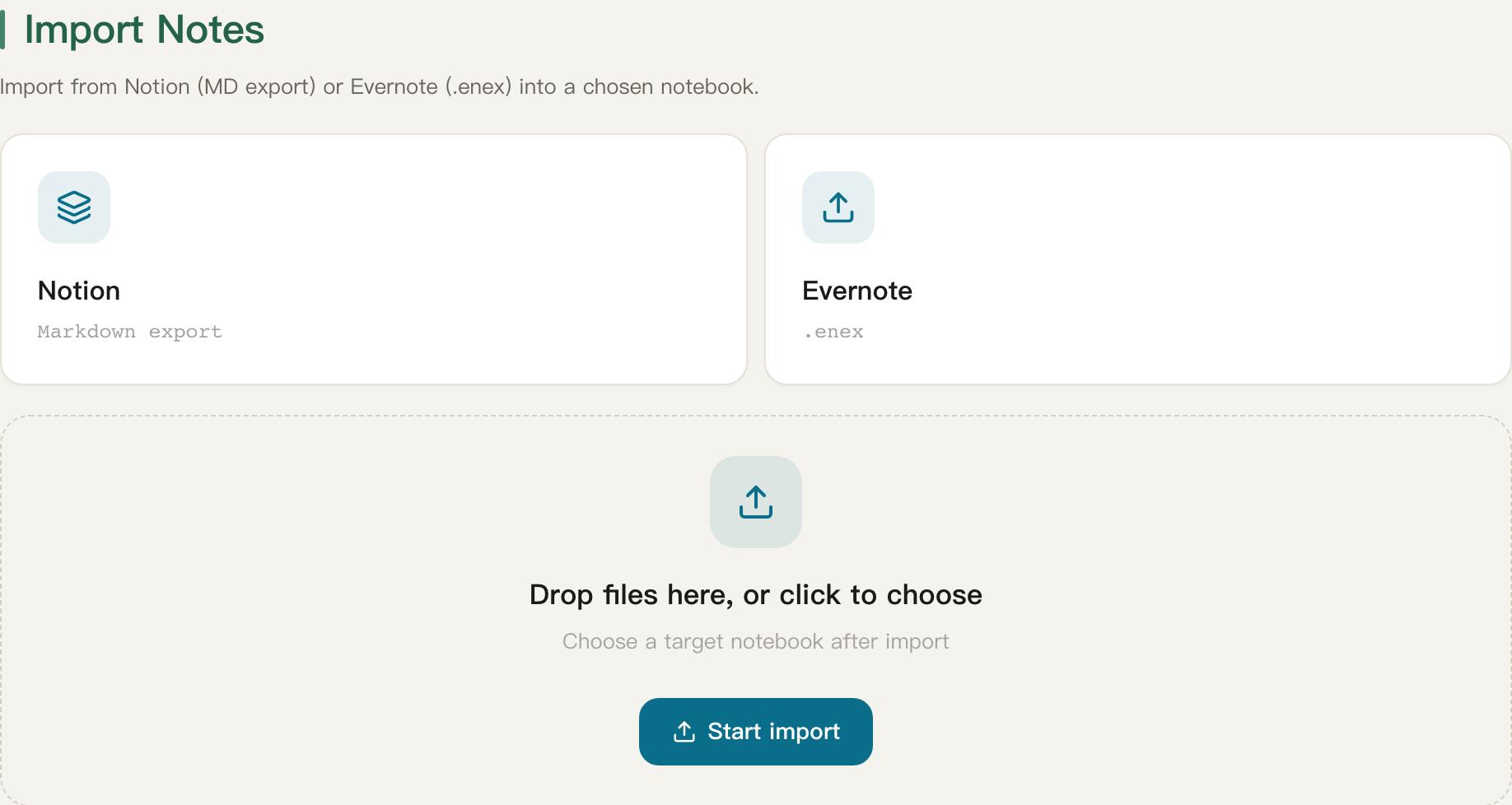
Settings (⌘,) → Import supports three sources:
- Markdown files (.md / .txt, multi-select)
- Notion export (unzip Notion's Markdown export, then import)
- Evernote (.enex files)
Pick a target notebook and import everything in one batch.
Notes · Troubleshooting
Saving, search and sync
Check the notebook, list filters and search scope first. Look in Recent, Favorites, tags and Trash; restore deleted notes before checking again. If devices differ, verify the same server and account, then the editor connection status. Keep unsynced offline edits on the original device, reconnect and wait; do not clear the cache first. For import failures, test one small supported file and the target notebook.