🌐 Restart the mapping and maintain self-hosted FRP
Where to configure
First check whether your installed version shows a Restart button on the mapping card. If it does not, check OKNote in the NAS app center or container manager. To restore the connector, restart the OKNote app or container while retaining its existing data directory, then test local and public access again. The button and cooldown instructions below apply only to versions that provide this control.
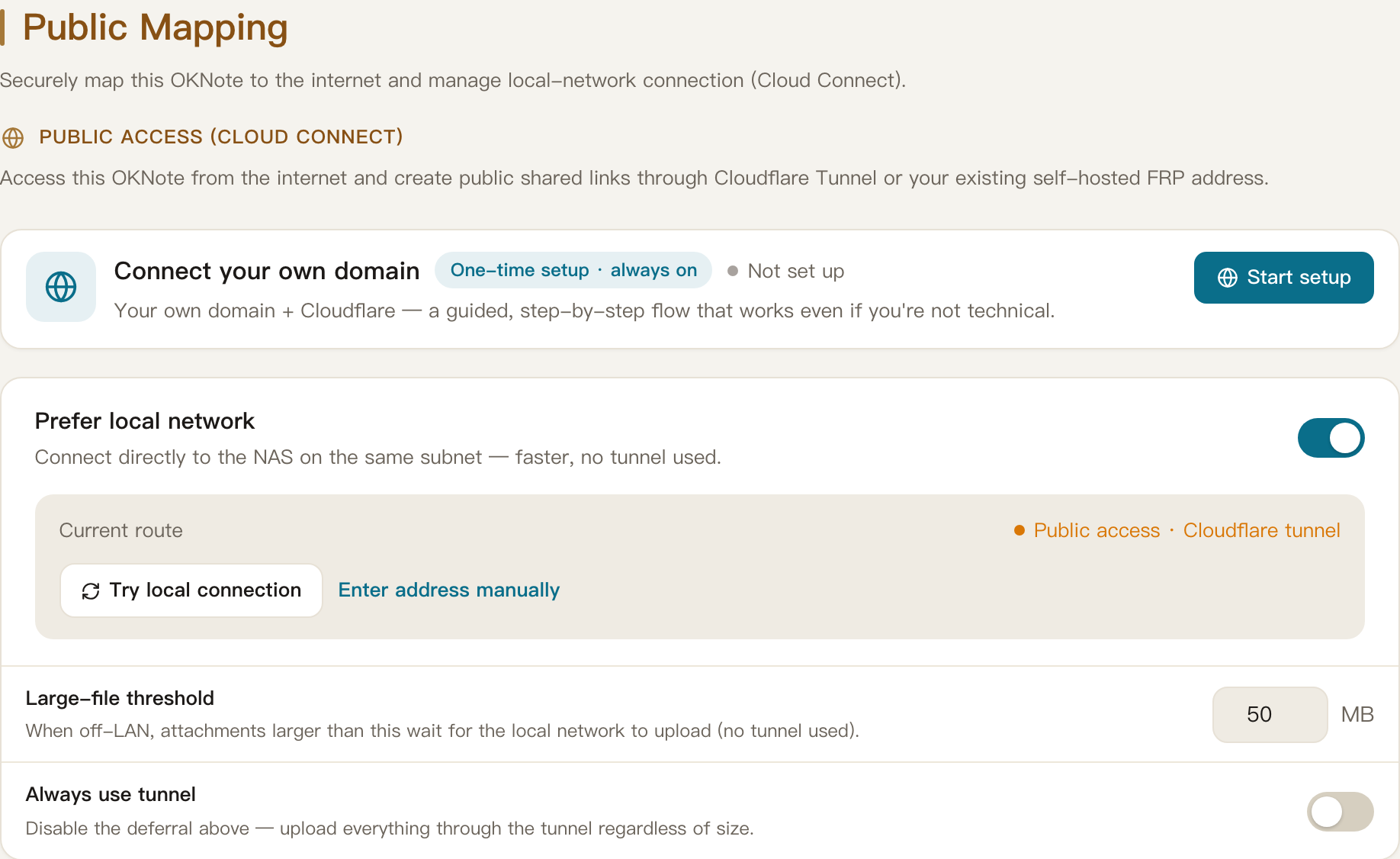
Settings → Public access → configured mapping card.
Restart reconnects the Cloudflare connector while preserving the domain, credentials and notes. Remote access may briefly disconnect after the request is accepted; the page attempts to reconnect. Accepted restarts have cooldowns of 1 minute, then 3 minutes, then 5 minutes. After one hour without an accepted restart the sequence resets. Refreshing does not clear the timer.
For self-hosted FRP, use the FRP entry in the wizard and save the public access URL. You configure and maintain frps/frpc on their hosts; OKNote stores the URL. Diagnose FRP processes, ports and logs on those hosts. Retest login, sync and downloads using mobile data after changes.